 Last Time
Coming soon to iPhone
When did you last change the water filter?
Stop guessing when. Just check. Last Time is a free iPhone app for the things you do now and then. Tap Log each time, and it shows you when you last did it.
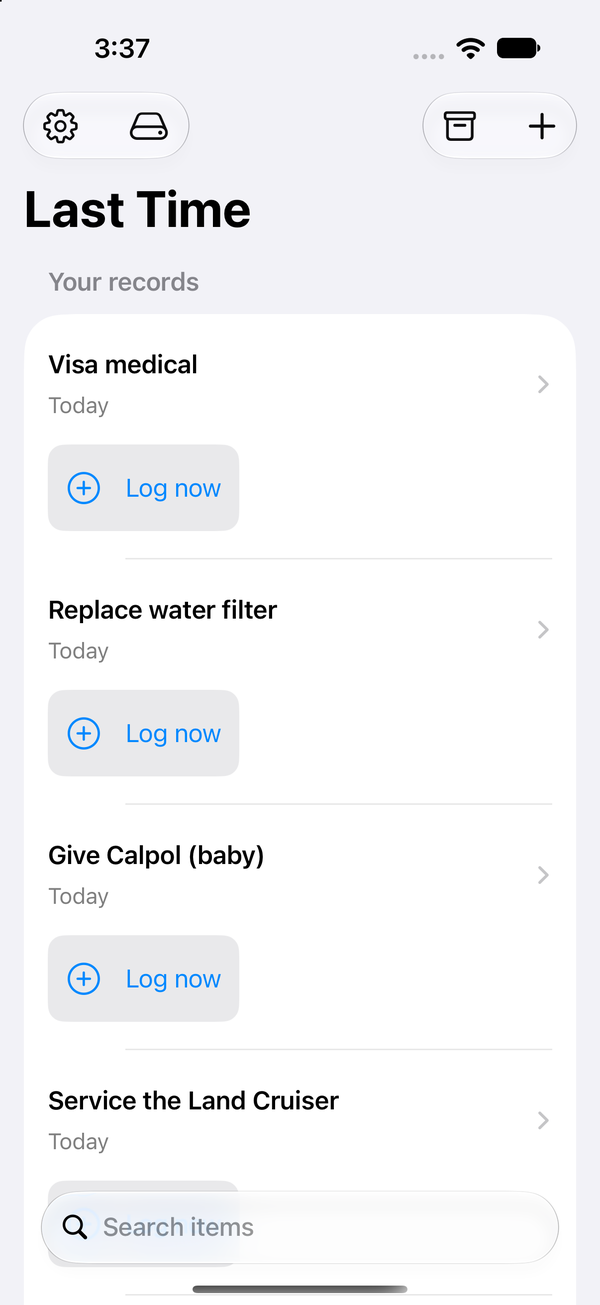
One tap to log it. One glance to know.
That’s the whole app.
-
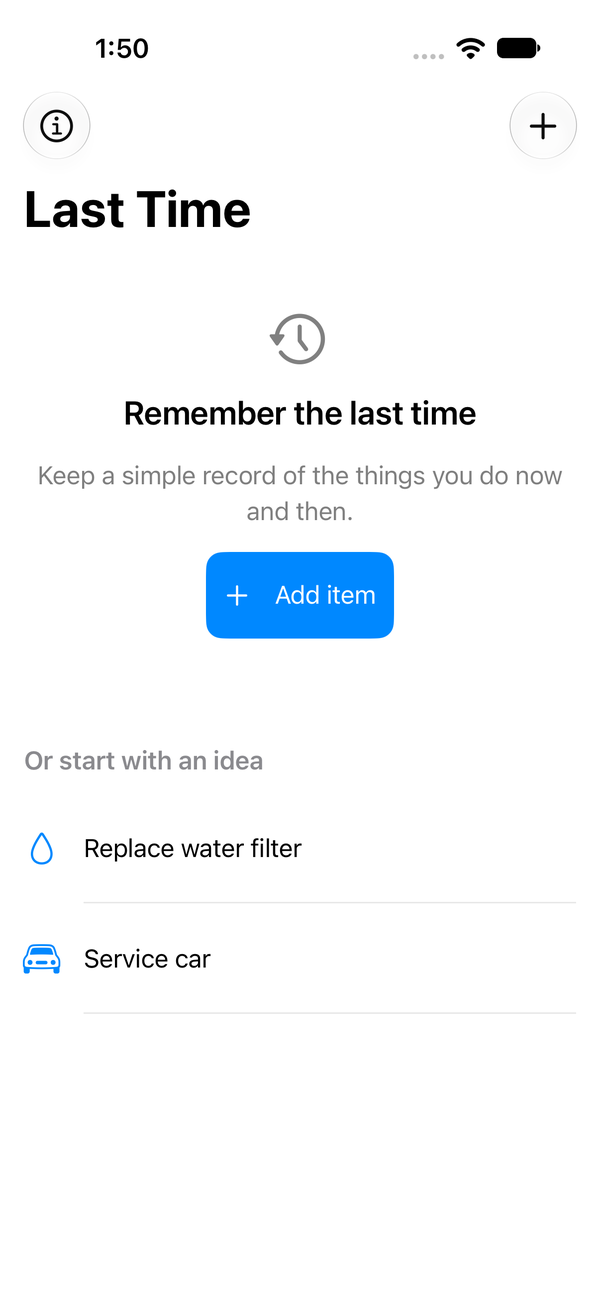
Add
Name the things you do now and then: the water filter, the car service, the cat’s flea treatment, calling Grandma.
-
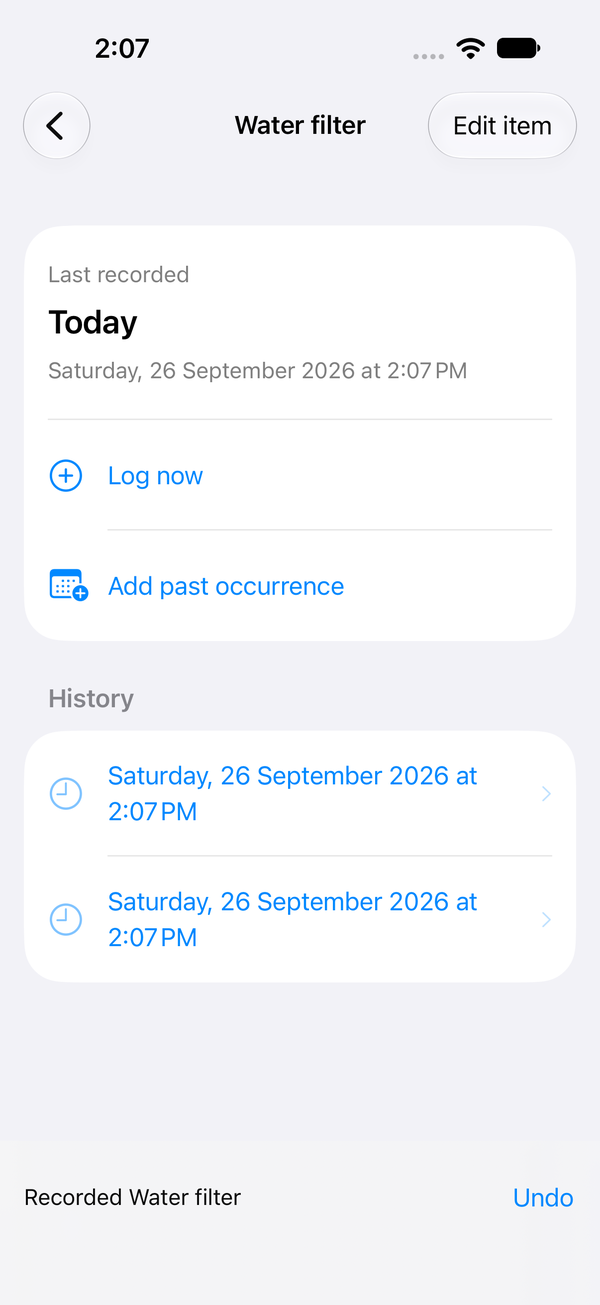
Log
Tap Log when you do it. Tapped by mistake? Undo is there for 8 seconds. Forgot last week? Add the past date.
-
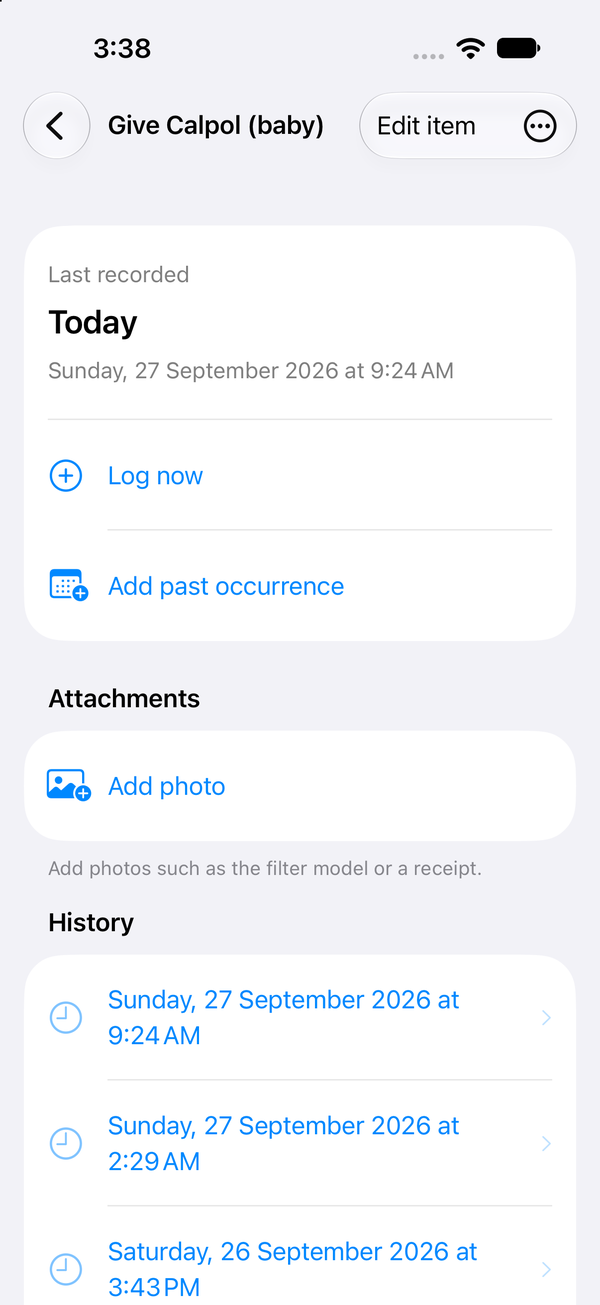
Check
See Today, Yesterday or the date, with the full history underneath. No more “was it March or May?”.
The things nobody remembers
You don’t need a reminder for these. You need to know when you last did them.
Home
- Cleaned the fridge
- Descaled the shower head
- Smoke alarm battery
- Unblocked the drain
- Washed the curtains
Car
- Oil change
- Tyre pressure
- Wiper blades
- Service at the garage
- Car wash
Filters & batteries
- Water filter
- AC filter
- Toothbrush head
- TV remote batteries
- Cooker hood filter
Health
- Dentist
- Eye test
- Blood test
- Haircut
- New contact lenses
Pets & plants
- Vet visit
- Flea and worm treatment
- Watered the cactus
- Repotted the plant
- Clipped the dog’s nails
Money & admin
- Checked the bank statement
- Read the meter
- Checked passport expiry
- Changed my passwords
- Renewed the car insurance
People
- Called Grandma
- Brought her flowers
- Lent the drill to the neighbour
- Paid back Omar
- Visited Uncle Sami
Tech
- Backed up the laptop
- Updated the router
- Cleaned the keyboard
- Cleared the phone storage
- Charged the power bank
Kitchen
- Descaled the kettle
- Cleaned the coffee machine
- Defrosted the freezer
- Cleaned the oven
- Sharpened the knives
Random but real
- Had a takeaway (be honest)
- Polished my shoes
- Butane gas cylinder swap
- Water tank cleaning
- Pest control visit
It’s not a to-do list
A to-do list tells you what’s next. Last Time tells you what happened last. It’s a record, not a nag.
What it won’t do
- Set due dates
- Send reminders
- Count streaks
- Make you feel guilty
What it does
- Logs it in one tap
- Shows when you last did it
- Lets you fix or backdate any entry
- Archives, searches and exports to CSV
It stays on your phone
What you log is your business. We never see it.
Records stay on your iPhone
It works offline. Nothing is sent to us or anyone else.
No account, no sign-up
Open it and start. There’s nothing to log in to.
Collects nothing
No analytics, no ads, no tracking. Export everything as a CSV whenever you like.
Keep it simple
Out of the box it does one thing. Want more? Turn extras on in Settings. Change your mind? One switch, Keep it simple, hides them again, and nothing you added is deleted.
- Photos and files on an entrySnap the filter model or keep the receipt.Now
- CameraTake the photo right from the entry.Coming
- LocationNote where it happened, only when you tap.Coming
Coming next
Planned, not shipped. We’ll say so here when they are.
- iCloud syncYour records on your own iPhone and iPad.Coming
- WidgetsCheck the last time from your Home Screen and Lock Screen.Coming
- Share with friends you approveShare one log, only with the people you choose.Coming
- Last Time PlusA one-time purchase for sharing across a household.Coming
Questions
Is it really free?
Yes. No ads, no subscription and no account. A one-time Last Time Plus for household sharing is planned for later; everything in the app today stays free.
Will it remind me?
No, on purpose. Last Time is a record of when you last did something, not a to-do list. You check it when you want to know.
Where are my records kept?
On your iPhone only. The app collects no data. See Privacy.
I forgot to log it. Can I add an earlier date?
Yes. Open the item and tap Add past occurrence. You can also fix or delete any date in its history.
Can I get my data out?
Yes. Open Your data and export a CSV file you can open in any spreadsheet.
Which phones does it run on?
iPhone with iOS 17 or later. It’s in English for now. There’s no Android version.
When is it out?
Soon. Leave your email above and we’ll send one message when it’s on the App Store.